
Text messages held against collation codes are used to print messages on the subscription invoices. Control file TMSSM/SL-COLN holds the collation codes used by the system. The text for the collation codes can be maintained via the following menu option.
- In the menu, expand Publishing Modules > Subscriptions Management > Subs Maintenance and then double-click Subs Collation Text. SMW160 Subscription collation text panel appears.
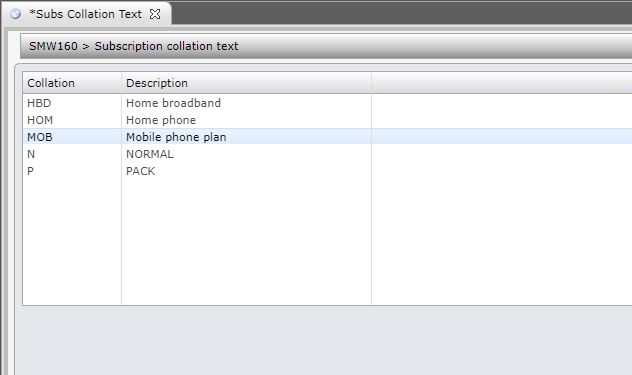
- Select the code you wish to enter/maintain the message for and click option Text.
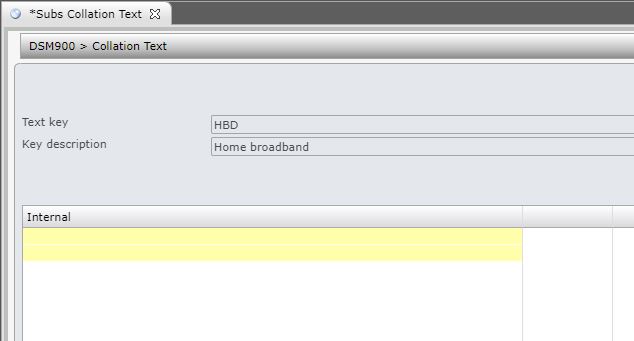
- Enter the two lines of text for the selected collation code.
- Click OK to confirm.
