
This program includes or omits selected fields to be updated into the data integration definition between estimating file. It compares between the Book specifications and the Materials file.
Update selection fields in estimating file
- In the menu, expand Publishing Modules > Book Publishing > Others > Utilities > Maintenance and double-click BP Re-sync Estimate Transf Fields. BPW015 Work with Field Selection panel is displayed.

- Select data base and click option Change.
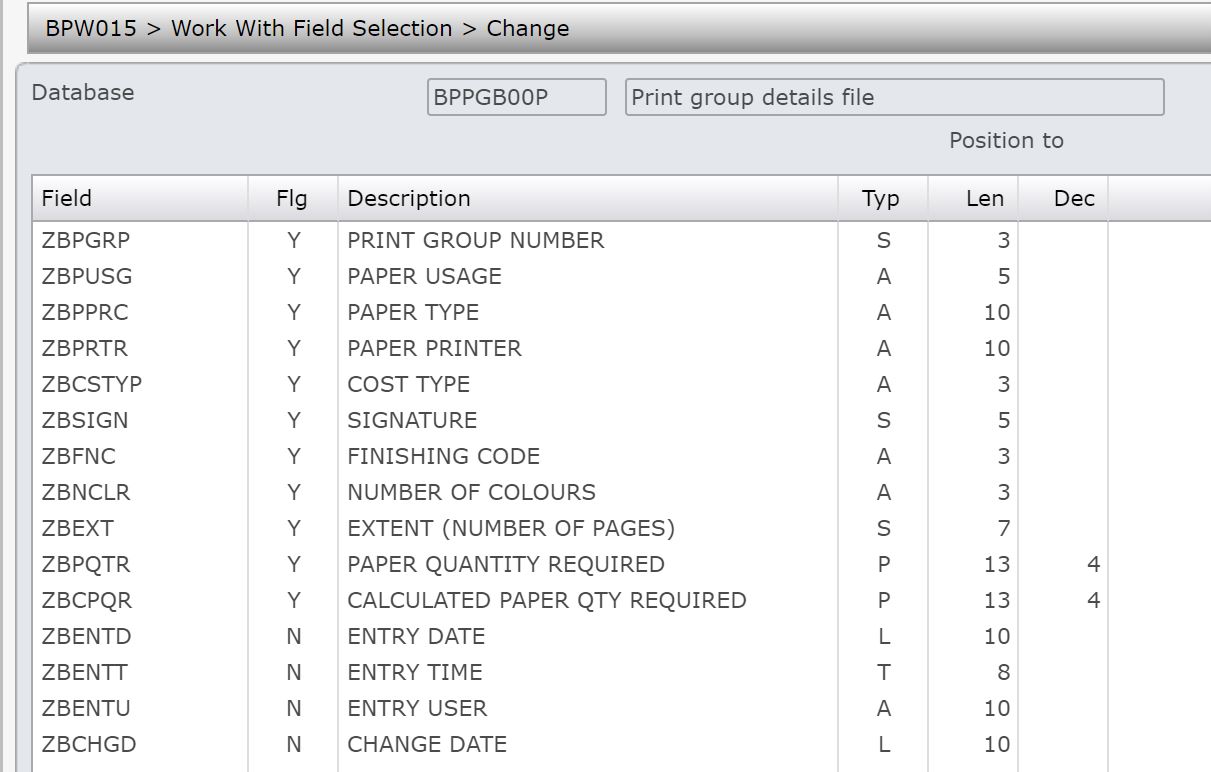
- Select field and click option Select/Un-select.
The flag of the field changes to ‘Y’ if earlier it was ‘N’. Option clicked should be Select.
The flag of the field changes to ‘N’ if earlier it was ‘Y’. Option clicked should be Un-select.
- Click OK to confirm.
