
Accruals report shows details of accrual calculations and group records by period and exchange rate, creating separate pages for each currency.
- In the menu, expand Publishing Modules > Rights & Permission > Period Processing and Others > Monthly Royalty Run and double-click Royalty Accrual Report E-report. RYR181 Royalty Accruals Report panel appears.
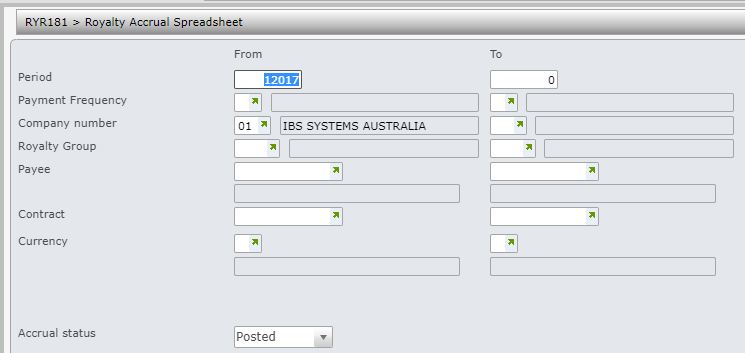
The Accruals report has the following selection criteria.
- Period range
- Payment frequency range
- Company range
- Royalty group range
- Payee range
- Contract
- Currency range
- In-progress or Posted Accruals or Both (posted and unposted accruals)
- Enter the above selection criteria as required for the report and click OK. This program generates an excel spreadsheet that is stored in the network directory specified in the document exchange system.
